Maya Tran
May 6, 2026
•
6 min

Most internal CSV import tools break the moment real data hits them. A user uploads a file with 800 rows, three columns have the wrong format, two dozen entries are duplicates, and your tool either silently swallows the bad rows or rejects the entire batch and tells them nothing useful. The engineer gets a Slack message. The ops team re-exports the CSV. Everyone wastes an hour.
This post walks through how to build a CSV import tool in Retool that actually holds up in production — one that parses the file in the browser, validates row by row, surfaces errors inline so users can fix them before anything touches your database, and gives you a clean audit trail when the import completes. We'll cover partial saves versus reject-all strategies, duplicate detection, and the bulk insert and upsert patterns that keep your backend sane at scale.
Start with a File Input component. Set the accepted file type to .csv and wire up a JavaScript query that fires on change. Retool gives you the file as a base64-encoded string — you need to decode it and parse it into rows before anything else happens.
Use a transformer or a JS query to do the parsing client-side:
const raw = atob(filepicker1.value[0].base64Data);
const lines = raw.split('\n').filter(l => l.trim() !== '');
const headers = lines[0].split(',').map(h => h.trim());
const rows = lines.slice(1).map((line, i) => {
  const values = line.split(',');
  return headers.reduce((obj, header, idx) => {
    obj[header] = values[idx]?.trim() ?? '';
    return obj;
  }, { _rowIndex: i + 2 });
});
Store the output in a state variable — parsedRows. Don't send anything to the backend yet. Everything up to this point is pure browser work, which is exactly where you want it.
One caveat: the naive comma-split breaks on quoted fields with commas inside them. If your users are exporting from Excel or Google Sheets, use a proper CSV parser. Drop PapaParse into a Retool custom component, or handle quoted fields manually in your JS query. Don't skip this — it will bite you.
Once you have parsedRows, run validation in another JS query — triggered immediately after parsing. Loop through every row and apply your rules: required fields, type checks, format checks (email regex, date parsing, numeric ranges), max length. Whatever your schema enforces at the database level, enforce it here first.
Tag each row with a _errors object and a _valid boolean:
const validated = parsedRows.map(row => {
  const errors = {};
  if (!row.email) errors.email = 'Required';
  else if (!/^[^\s@]+@[^\s@]+\.[^\s@]+$/.test(row.email)) errors.email = 'Invalid format';
  if (!row.name) errors.name = 'Required';
  if (row.revenue && isNaN(Number(row.revenue))) errors.revenue = 'Must be a number';
  return { ...row, _errors: errors, _valid: Object.keys(errors).length === 0 };
});
Bind this to your Table component. Use column-level cell color rules to highlight invalid cells in red. Surface the error message as a tooltip using a custom column renderer. Users should be able to see exactly which cell is wrong and why — not just "row 47 has an error."
Show a summary bar above the table: X rows ready, Y rows have errors. Make it impossible to proceed to import while errors exist, unless you're running a partial save strategy.
Make the table editable. Set the columns that users are allowed to fix to editable mode in Retool's Table component. When a cell changes, re-run the validation query against the updated row and write the result back into parsedRows state.
This is the part most tools skip — they validate on upload and then force the user to go back to the spreadsheet, fix it, and re-upload. That's a terrible experience. Let them fix it in place.
Wire up the table's onRowEdit event to a JS query that patches the specific row in state and re-validates it:
const updated = parsedRows.value.map(row =>
  row._rowIndex === changedRow._rowIndex ? validate(changedRow) : row
);
setState('parsedRows', updated);
If you have dropdowns or controlled fields (like a status column that must match a specific enum), use a Select cell type instead of free text. Eliminate the class of errors that shouldn't be possible to make in the first place.
Your choice here depends on what the data means. For financial records, user accounts, or anything with referential integrity requirements, reject-all is usually correct. You don't want half an import in your database and half missing. Atomic or nothing.
For operational data — leads, inventory updates, support tickets — partial save is often more useful. Valid rows go in, invalid rows stay in the table for the user to fix and retry.
If you go partial save, make sure your backend query returns a result per row, not just a top-level success/failure. Your Retool JS query needs to reconcile which rows were accepted and which were rejected, then update the table state accordingly. Don't just hide the successfully imported rows — mark them visually as done and leave the failures in place.
For reject-all, wrap your backend insert in a transaction. If anything fails, roll it back. Return the specific row identifiers that caused the failure so Retool can highlight them.
Before you write anything, check for duplicates — both within the file itself and against existing records in your database.
Intra-file duplicates: Run a JS query that groups parsedRows by your natural key (email, SKU, external ID) and flags any row where the key appears more than once. Mark those rows with a _duplicate: true flag and surface them in the table the same way you surface validation errors.
Against existing records: Extract the natural keys from your parsed rows, send them to your backend in a single query, and get back which ones already exist. Don't do this row-by-row — that's an N+1 problem. One query, array of keys, array of matches back.
Once you know what's new and what's existing, use an upsert. In Postgres:
INSERT INTO contacts (email, name, revenue)
VALUES {{ rows.map(r => `('${r.email}', '${r.name}', ${r.revenue})`).join(',') }}
ON CONFLICT (email)
DO UPDATE SET name = EXCLUDED.name, revenue = EXCLUDED.revenue;
Use parameterized queries in production — never string interpolation. Retool's query editor supports array bindings. Use them.
Every import should write a record to an audit table. At minimum: who ran it, when, how many rows were attempted, how many succeeded, how many failed, and a JSON blob of the failed rows with their error reasons.
Do this in the same database transaction as the import where possible. If the import rolls back, the audit log entry should too — otherwise your audit trail is lying to you.
In Retool, surface the last N imports in a separate tab or modal. Show the user their import history without making them dig through logs. If something went wrong with an import two days ago, they should be able to find the failed rows, download them as a CSV, and retry. Build that export button — it takes ten minutes and saves everyone a support ticket.
The audit log is also your safety net when something silently goes wrong at the database level. If a trigger fires and rejects rows after your upsert, you won't know unless you're capturing row counts before and after. Compare attempted against SELECT count(*) of the affected records post-insert and log the delta. Trust, but verify.
Looking to supercharge your operations? We’re masters in Retool and experts at building internal tools, dashboards, admin panels, and portals that scale with your business. Let’s turn your ideas into powerful tools that drive real impact.
Curious how we’ve done it for others? Explore our Use Cases to see real-world examples, or check out Our Work to discover how we’ve helped teams like yours streamline operations and unlock growth.
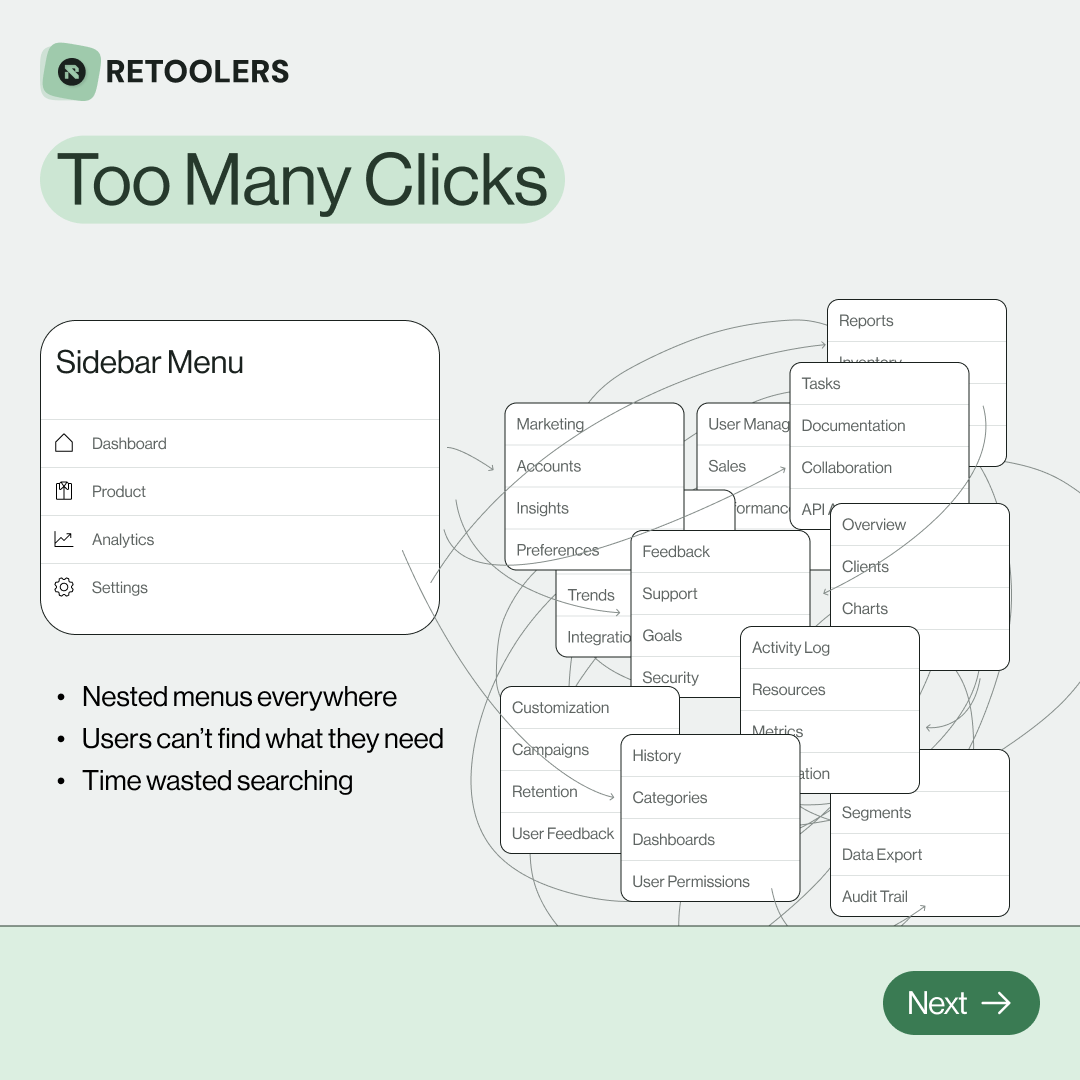
🔎 Internal tools often fail because of one simple thing: Navigation.
Too many clicks, buried menus, lost users.
We broke it down in this 4-slide carousel:
1️⃣ The problem (too many clicks)
2️⃣ The fix (clear navigation structure)
3️⃣ The Retool advantage (drag-and-drop layouts)
4️⃣ The impact (happier teams)
💡 With Retool, you can design internal tools that are easy to use, fast to build, and simple to maintain.
👉 Swipe through the carousel and see how better UX = better productivity.
📞 Ready to streamline your tools? Book a call with us at Retoolers.

🚀From idea → app in minutesBuilding internal tools used to take weeks.
Now, with AI App Generation in Retool, you can describe what you want in plain English and let AI do the heavy lifting.
At Retoolers, we help teams move faster by combining AI + Retool to create tools that actually fit their workflows.
👉 Check out our blog for the full breakdown: https://lnkd.in/gMAiqy9F
Before we quote, we help you clarify the workflow. Share your idea, process, or existing tools, and we’ll map the key requirements, suggest the right system, and create a free wireframe so you can see the solution before development starts.