Maya Tran
May 7, 2026
•
18 min
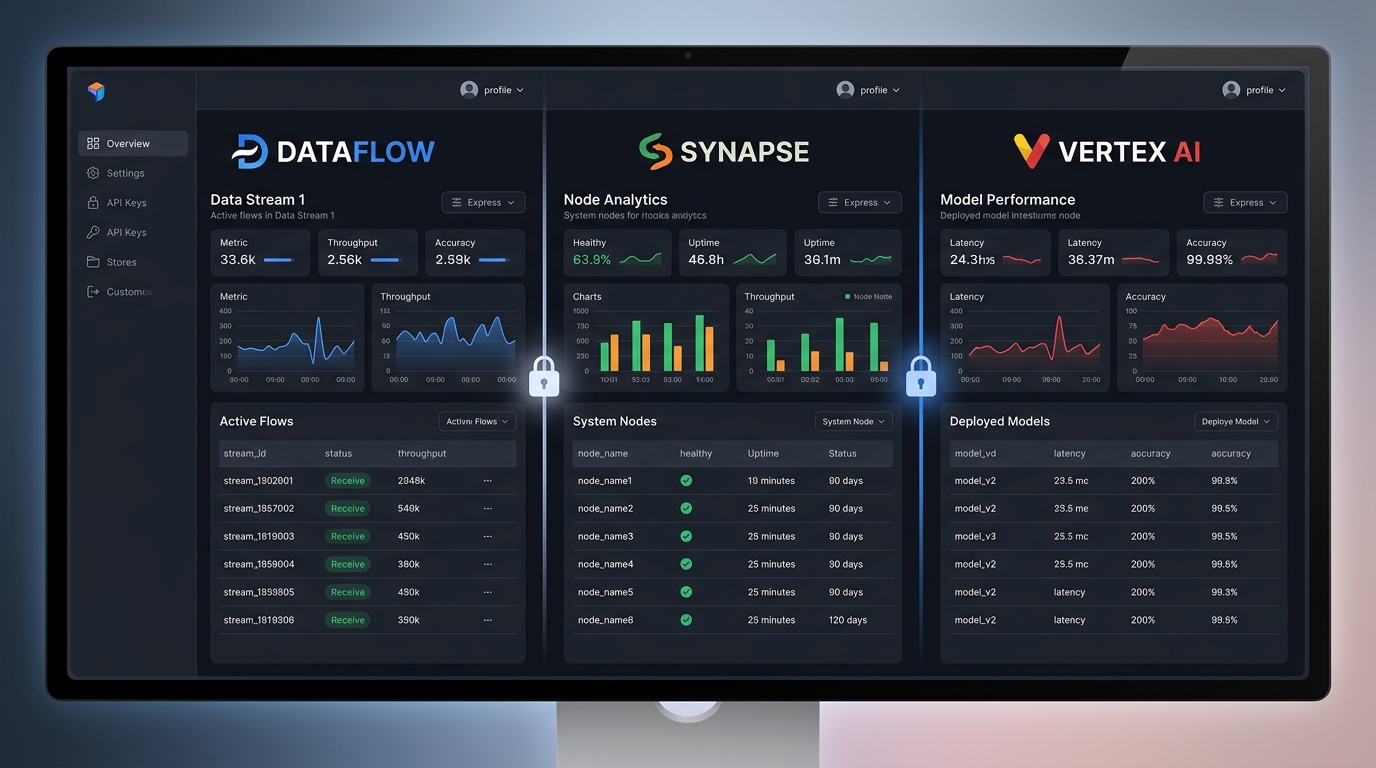
Most Retool apps start simple: one team, one dataset, one set of queries. Then someone asks, "Can we give our clients access to their own view of this?" or "Can we roll this out across all our franchise branches?" That's where multi-tenancy starts — and where most internal tool projects either get the architecture right early or spend months patching security holes they didn't know they had.
This guide covers how to build a Retool app that multiple companies, teams, or customers can use safely — where each user sees only their own data, roles are enforced at the right layer, and no one can manipulate a URL parameter to pull up someone else's records. We'll go from database model to Retool permissions to UX patterns, with the specific mistakes that burn teams who try to shortcut the architecture.
Multi-tenancy means multiple independent users, teams, or organizations share the same application — but each one operates as if they have their own isolated environment. In Retool terms, that's a single app (or app suite) where the queries, components, and logic are shared, but the data each user can read and write is strictly scoped to their tenant.
There are a few distinct models you'll encounter in the wild:
The architectural principles are identical across all of these: tenant identity needs to live in your data layer, your API layer, and your Retool app — in that order of authority. If any single layer is missing, the other two don't save you.
The most common multi-tenant failure isn't a complex exploit. It's a developer trusting a URL parameter or a front-end variable to do the work that the database should be doing.
Picture this: you build a Retool app where the current tenant is stored in a URL parameter called org_id. Your main query looks like this:
SELECT * FROM orders WHERE organization_id = {{ urlparams.org_id }}
This works perfectly in development. Then someone in production changes the URL from ?org_id=42 to ?org_id=43 and they're now looking at another company's orders. No error. No warning. Just a silent data breach.
The attack surface in Retool includes URL parameters (directly manipulable), Retool state variables (overwritable via browser developer tools), app-level query inputs (exploitable if fed directly into WHERE clauses), and hardcoded org filters left over from development.
The second major failure mode is relying on Retool's UI to enforce data separation. Hiding a table or disabling a button based on a user's role in Retool is a UX decision, not a security decision. If the underlying query returns all organizations' data and you're just filtering the table component client-side, any moderately technical user can intercept the query response and read the full payload.
The third failure mode is inconsistent application of tenant filters — a developer writes 40 queries and forgets the tenant filter on three of them. Those three queries become the gaps. You can't audit this manually at scale. It needs to be structural.
Before you open Retool, get the database right. The most reliable multi-tenant architectures enforce tenant isolation at the data layer — every tenant-scoped table has a foreign key back to a tenant identifier, and access control is enforced with database-level row security.
CREATE TABLE organizations (
  id UUID PRIMARY KEY DEFAULT gen_random_uuid(),
  name TEXT NOT NULL,
  slug TEXT UNIQUE NOT NULL,
  created_at TIMESTAMPTZ DEFAULT NOW()
);

CREATE TABLE orders (
  id UUID PRIMARY KEY DEFAULT gen_random_uuid(),
  organization_id UUID NOT NULL REFERENCES organizations(id),
  created_by UUID REFERENCES users(id),
  status TEXT,
  total_amount NUMERIC,
  created_at TIMESTAMPTZ DEFAULT NOW()
);
Notice that orders has an organization_id. The data belongs to the organization, not the user who created it. Users leave organizations, get reassigned, or have their roles changed — filter by org, not by user.
RLS moves tenant filtering from the application layer into the database, meaning it applies to every query regardless of where it originates — Retool, a REST API call, a background job, everything.
ALTER TABLE orders ENABLE ROW LEVEL SECURITY;

CREATE POLICY tenant_isolation ON orders
  USING (organization_id = current_setting('app.current_organization_id')::UUID);
In Supabase, you can tie RLS policies directly to the authenticated JWT's claims:
CREATE POLICY tenant_isolation ON orders
  USING (organization_id = (auth.jwt() ->> 'organization_id')::UUID);
No application-level filter needed. No way for a Retool query to accidentally skip it.
Don't use sequential integer IDs as tenant identifiers in any user-facing context — UUIDs make enumeration attacks much harder. Don't forget to index on organization_id on every tenant-scoped table — every query you write in Retool will filter on this column, and without the index you're doing full table scans as your data grows.
CREATE INDEX idx_orders_organization_id ON orders(organization_id);SELECT * FROM orders WHERE organization_id = {{ urlparams.org_id }}
Manipulable, unverified, never use this as the sole tenant filter in any production app. Full stop.
Retool exposes the authenticated user's metadata through {{ current_user.metadata }}. If you've stored organization_id in the user's Retool metadata, you can reference it in queries. This is meaningfully better than URL parameters because the user can't modify their own metadata through the Retool UI — it's set server-side. However, it only works if you trust Retool's user management as an authoritative source, and it provides no database-level enforcement.
The right pattern for most non-Supabase setups: your Retool queries hit an API layer that resolves tenant identity from the authenticated session — not from anything the client sends. The flow: Retool authenticates the user, the session token is sent with each API request, your API verifies the token, resolves the user's organization from your own database, and injects organization_id into the query. The Retool app never sends an org_id.
app.get('/api/orders', authenticate, async (req, res) => {
  const orgId = req.user.organizationId; // resolved from JWT, not from request body
  const orders = await db.query(
    'SELECT * FROM orders WHERE organization_id = $1',
    [orgId]
  );
  res.json(orders);
});With Supabase in Retool: configure the resource to use the user's auth token (not the service role key) for tenant-scoped queries. Supabase's RLS policies then filter automatically based on the JWT. You never write a WHERE clause for tenant filtering in Retool — the database enforces it unconditionally.
For admin-level Retool apps that need cross-tenant access, use a separate Retool resource configured with the service role key, and restrict which Retool users can access apps that use that resource. Two resources, two apps, explicit separation — not one app that tries to do both through conditional logic.
Retool's built-in permissions system controls which users can access which apps, whether users can edit apps or only use them, and which users can view specific pages. What it does not control in any meaningful security sense: what data the queries return. Retool permissions gate app access, not data access within an app.
Use Retool permissions for coarse-grained access control: customers can't access your internal admin app, branch managers can't access the executive reporting suite, external clients can't see your ops tooling. Use database-level RLS for everything that actually matters from a data integrity and security standpoint.
Both layers serve different purposes and you genuinely need both. Teams that get the database layer right and skip Retool permissions end up with appropriate data access but no workflow guardrails. Teams that configure Retool permissions carefully and skip database enforcement end up with a UI that looks secure but isn't.
Beyond the architectural issues covered above, these are the specific implementation mistakes we see most often in the wild.
Testing with a superuser database connection. If you're building your Retool app connected as postgres or a superuser role, RLS policies don't apply to you. Everything looks correct in development and falls apart in production when you switch to a restricted role. Always develop and test with the same restricted role that production will use.
Forgetting new tables. You set up RLS on your initial tables, then add three new tables over the next two months without enabling RLS on them. Those tables are now open to all authenticated users. Make enabling RLS and creating a default-deny policy the first two things you do when creating any new table.
Sharing one Retool resource across trust levels. One REST API resource configured with admin credentials powering both tenant-facing queries and platform admin queries. A misconfigured query in a tenant-facing app now has access to admin-level data. Use separate resources for separate trust levels — it's a few minutes of configuration that makes the boundary explicit and auditable.
Leaking tenant data through aggregates. You lock down the detail queries but forget about aggregate queries. A query like SELECT COUNT(*) FROM orders without a tenant filter tells every user how many total orders exist in your system. Even aggregate queries need tenant scope.
Trusting the Retool app's current user without verification. Using {{ current_user.email }} to look up a user's organization in your database is fine — as long as the lookup itself is protected. If your user lookup query returns data based on email alone and an attacker can manipulate what email is sent, you have a problem. Verify identity through cryptographically signed tokens, not through plaintext values passed from the client.
Looking to supercharge your operations? We’re masters in Retool and experts at building internal tools, dashboards, admin panels, and portals that scale with your business. Let’s turn your ideas into powerful tools that drive real impact.
Curious how we’ve done it for others? Explore our Use Cases to see real-world examples, or check out Our Work to discover how we’ve helped teams like yours streamline operations and unlock growth.
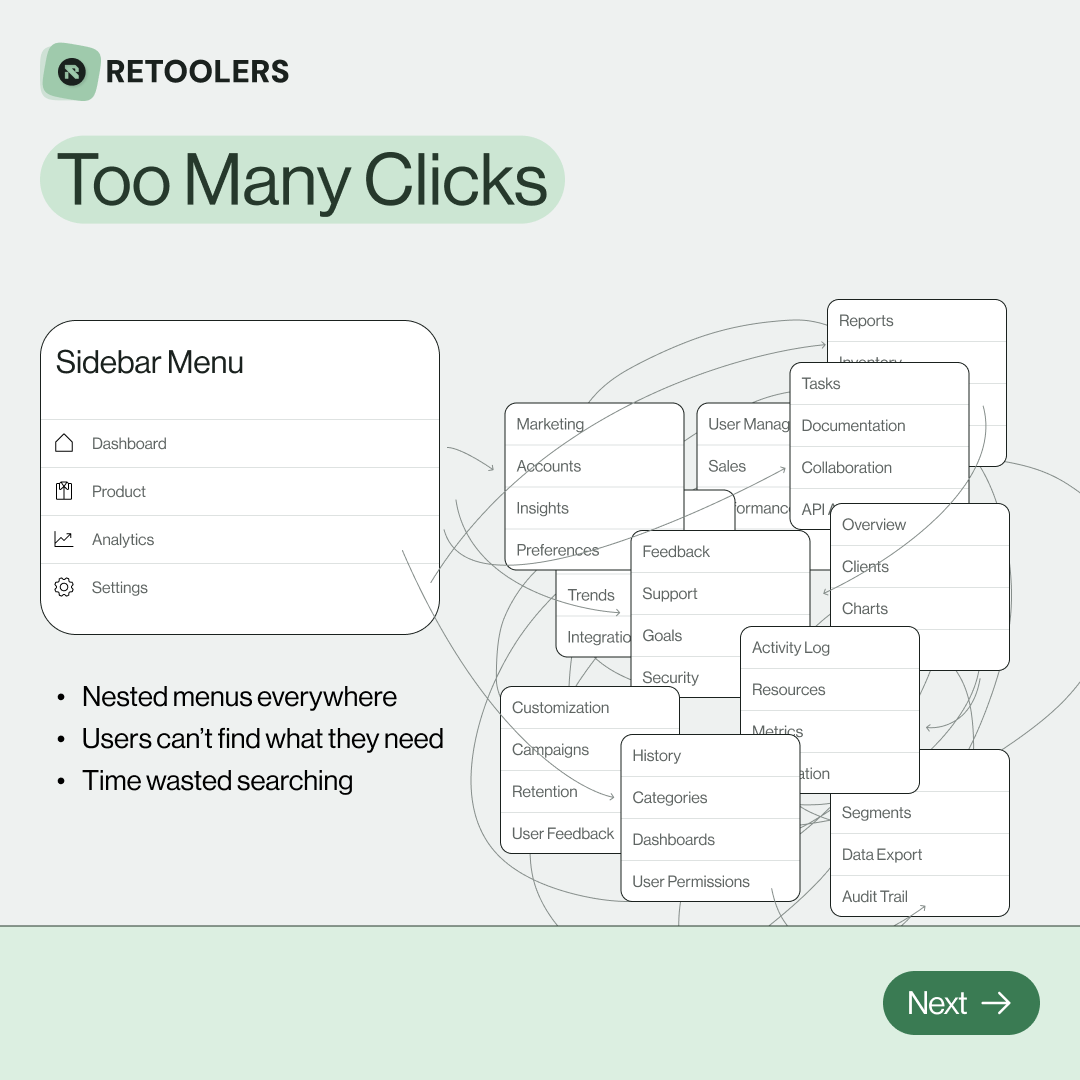
🔎 Internal tools often fail because of one simple thing: Navigation.
Too many clicks, buried menus, lost users.
We broke it down in this 4-slide carousel:
1️⃣ The problem (too many clicks)
2️⃣ The fix (clear navigation structure)
3️⃣ The Retool advantage (drag-and-drop layouts)
4️⃣ The impact (happier teams)
💡 With Retool, you can design internal tools that are easy to use, fast to build, and simple to maintain.
👉 Swipe through the carousel and see how better UX = better productivity.
📞 Ready to streamline your tools? Book a call with us at Retoolers.
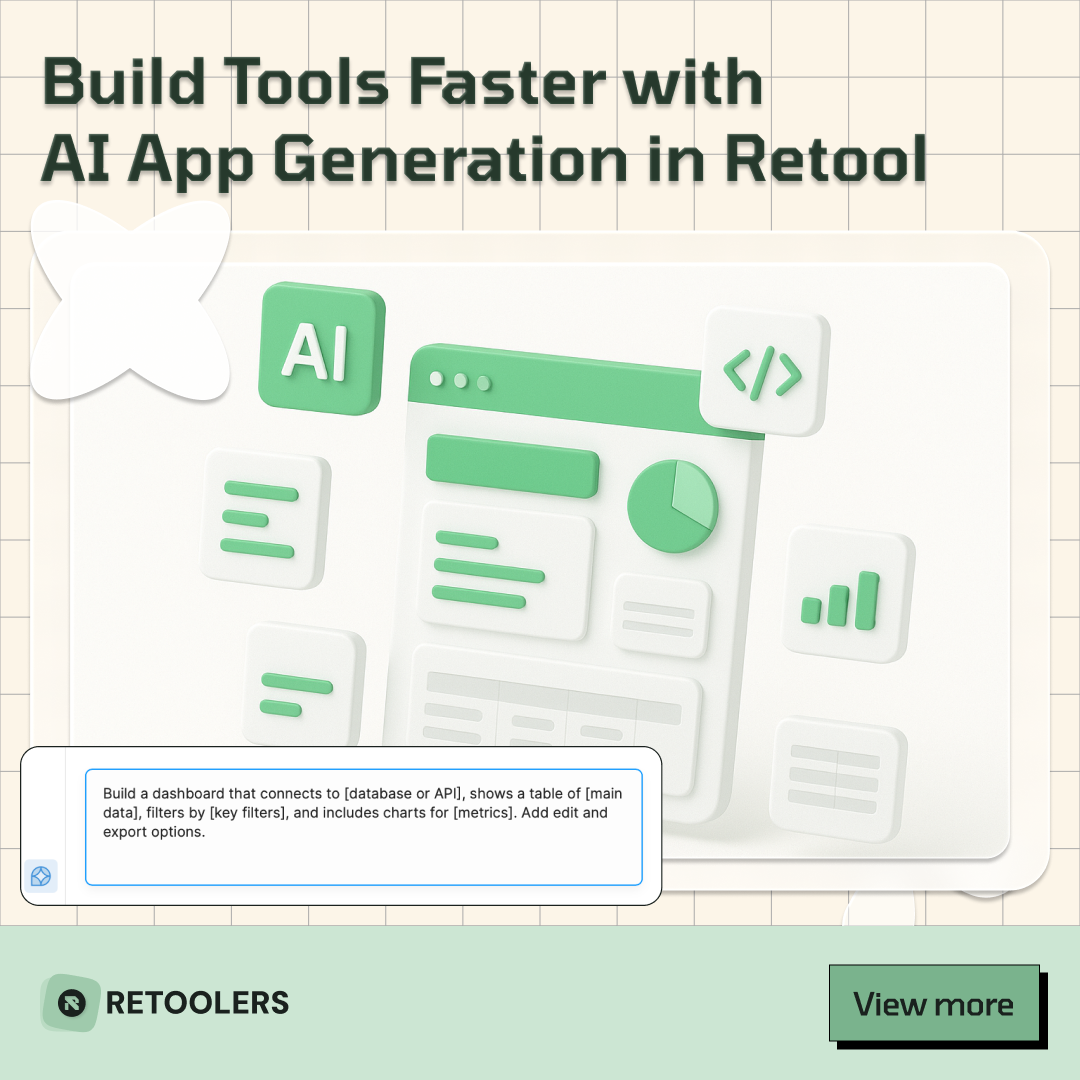
🚀From idea → app in minutesBuilding internal tools used to take weeks.
Now, with AI App Generation in Retool, you can describe what you want in plain English and let AI do the heavy lifting.
At Retoolers, we help teams move faster by combining AI + Retool to create tools that actually fit their workflows.
👉 Check out our blog for the full breakdown: https://lnkd.in/gMAiqy9F
As part of our process, you’ll receive a FREE business analysis to assess your needs, followed by a FREE wireframe to visualize the solution. After that, we’ll provide you with the most accurate pricing and the best solution tailored to your business. Stay tuned—we’ll be in touch shortly!