Maya Tran
May 7, 2026
•
18 min

Most Retool teams hit the same wall around the six-month mark. What started as one developer wiring up a quick ops dashboard is now three people editing the same app in production, nobody sure what changed last Tuesday, and a broken query that took down the customer portal on a Friday afternoon. Sound familiar? The problem isn't Retool. The problem is that internal tools get treated like spreadsheets instead of software.
Retool's source control feature connects your apps to a Git repository, giving teams the same review-and-release discipline that product engineers take for granted. But enabling the feature is the easy part. This post walks through why source control matters in Retool, what it actually does and does not solve, how to structure a branching strategy your team will stick to, and the full release workflow we use at Retoolers when shipping internal tools for fintech, energy, SaaS, and e-commerce clients.
Here is what the failure mode actually looks like. Your ops team has a Retool app that handles customer refunds. It started as one screen with a couple of queries. Over six months it grew into twelve components, four resource queries, two transformers, and a JavaScript function that nobody fully understands. Three people have edit access. One of them just fixed a bug directly in the production app without telling anyone. Another person is mid-edit on the same component right now. The third pushed a change yesterday that they think might have broken the refund confirmation email, but they are not sure because there is no history to check.
This is not a hypothetical. It happens to every team that scales Retool usage without any version discipline. The root cause is that Retool apps, by default, save changes instantly and globally. There is no staging. There is no review. There is no rollback. You click save and the change is live for every user immediately.
The other cost is team coordination. When multiple developers or even non-developer admins are touching the same Retool app, you need a way to isolate work in progress from what is currently serving users. Without source control, you are either serialising all work (one person edits at a time), or you are accepting that half-finished changes will be visible to users. Neither option scales.
Retool source control connects your apps to a Git repository — GitHub, GitLab, or Bitbucket. When you enable it on a Retool organisation, each app is serialised to a JSON file and committed to the repo. From that point on, changes to apps flow through Git like any other codebase. You get diffs, pull requests, history, and branch-based development.
Here is what source control concretely enables for your team:
WHERE clause before it runs against live customer data.It does not version your resources and credentials. Resources are configured at the organisation or environment level, not inside the app JSON. If your staging Supabase project and your production Supabase project use different resource names, your queries will break on deployment.
It does not migrate your database schema. You can version the Retool app perfectly, but if the app's SQL queries reference a column that does not exist yet in production, the app will fail. Your database migrations need to ship before or alongside the app deployment.
It does not handle secrets rotation. It commits the reference to environment variables, not the values. You need to separately manage the actual secret values in your Retool environment configuration.
It does not resolve conflicts intelligently. Retool app JSON is not designed for human-readable merging. If two developers modify the same component on different branches, the conflict will be a wall of JSON. Keep feature branches short-lived — days, not weeks.
It does not gate on test results by default. Retool does not have a native automated testing framework. Source control gives you the hook, but you have to build the testing layer yourself.
Keep three long-lived branches: main, staging, and develop. Each maps to a Retool environment. main maps to production. staging maps to your staging environment. For smaller teams, two persistent branches — main and staging — is often enough.
All new work happens on feature branches cut from staging. Name them with a convention that ties them to work: feature/refund-flow-approval, fix/customer-search-null-crash. Keep them short-lived. When a feature is ready, open a pull request from the feature branch to staging. At minimum, one other developer should review the diff and actually read the query changes.
Nothing goes to main except from staging. The merge from staging to main should be a deliberate act — a release decision — not an automatic pipeline step. Configure branch protection rules in GitHub: require pull requests, require at least one approval, and prevent direct pushes to both staging and main.
Cut a hotfix branch from main, fix the issue, get a fast-tracked review, merge to main, and then back-merge to staging so the branches stay in sync. The back-merge step is easy to forget under pressure — build it into your incident checklist.
If your team manages multiple Retool apps, keep them all in the same repository. Retool's source control exports each app as a separate JSON file in the repo, so they naturally co-exist. Keeping everything in one repo gives you a unified PR history and simplifies branch management.
When you connect source control, you map a Git branch to a Retool environment. The staging branch deploys to the staging environment. The main branch deploys to the production environment. This is configured in your Retool organisation settings. The mapping should be treated as infrastructure configuration — document it, put it in a README in the repo, and do not change it without a team conversation.
Use consistent resource naming across environments. A resource called postgres_customers should point to your staging database in the staging environment and your production database in the production environment, with the same resource name across both. Do not use different resource names per environment — it creates query-level bugs when you deploy the same app across environments.
For schema migrations, use Supabase's built-in migration tooling via the Supabase CLI. Your migration files should live in the same Git repository as your Retool apps, under a supabase/migrations/ directory. When you run a release, you apply migrations first, then deploy the Retool app. This ordering is critical. Deploying the app before the migration runs will cause queries to fail against the old schema.
The Supabase CLI command for applying migrations to a linked project is:
supabase db push --linked
Run that against your production Supabase project as the first step of a production release. If the migration fails, do not deploy the Retool app. Fix the migration, test it against staging, and then re-run the release.
Retool supports environment variables at the organisation level. Use them for anything that changes per environment: API base URLs, feature flags, third-party service identifiers. Actual secrets — API keys, service account credentials, database passwords — should never appear in your Retool app configuration or your Git repository. In Retool, credentials are stored at the resource level, encrypted, and not exported as part of the source control sync.
Looking to supercharge your operations? We’re masters in Retool and experts at building internal tools, dashboards, admin panels, and portals that scale with your business. Let’s turn your ideas into powerful tools that drive real impact.
Curious how we’ve done it for others? Explore our Use Cases to see real-world examples, or check out Our Work to discover how we’ve helped teams like yours streamline operations and unlock growth.
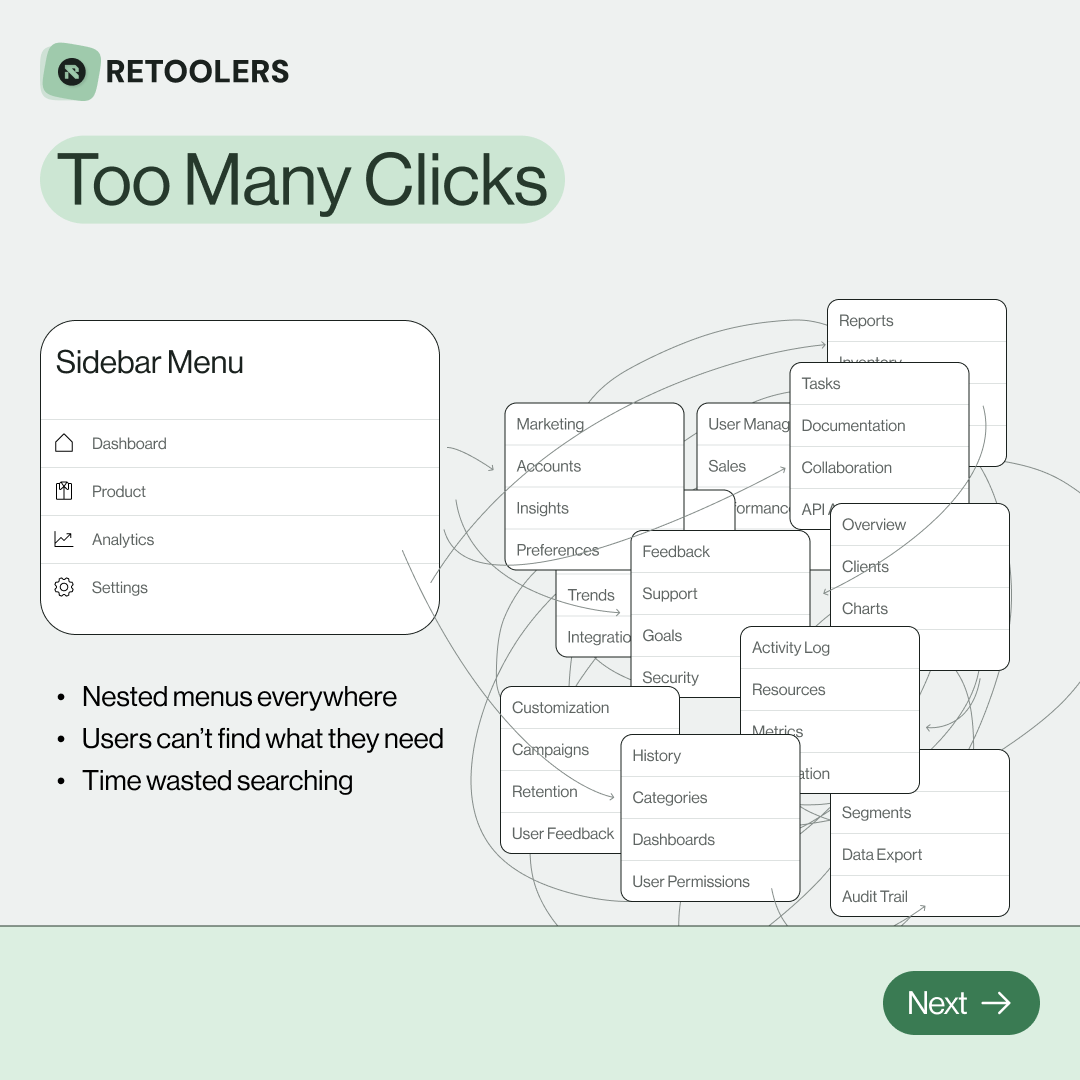
🔎 Internal tools often fail because of one simple thing: Navigation.
Too many clicks, buried menus, lost users.
We broke it down in this 4-slide carousel:
1️⃣ The problem (too many clicks)
2️⃣ The fix (clear navigation structure)
3️⃣ The Retool advantage (drag-and-drop layouts)
4️⃣ The impact (happier teams)
💡 With Retool, you can design internal tools that are easy to use, fast to build, and simple to maintain.
👉 Swipe through the carousel and see how better UX = better productivity.
📞 Ready to streamline your tools? Book a call with us at Retoolers.

🚀From idea → app in minutesBuilding internal tools used to take weeks.
Now, with AI App Generation in Retool, you can describe what you want in plain English and let AI do the heavy lifting.
At Retoolers, we help teams move faster by combining AI + Retool to create tools that actually fit their workflows.
👉 Check out our blog for the full breakdown: https://lnkd.in/gMAiqy9F
Before we quote, we help you clarify the workflow. Share your idea, process, or existing tools, and we’ll map the key requirements, suggest the right system, and create a free wireframe so you can see the solution before development starts.