Maya Tran
April 26, 2026
•
6 min
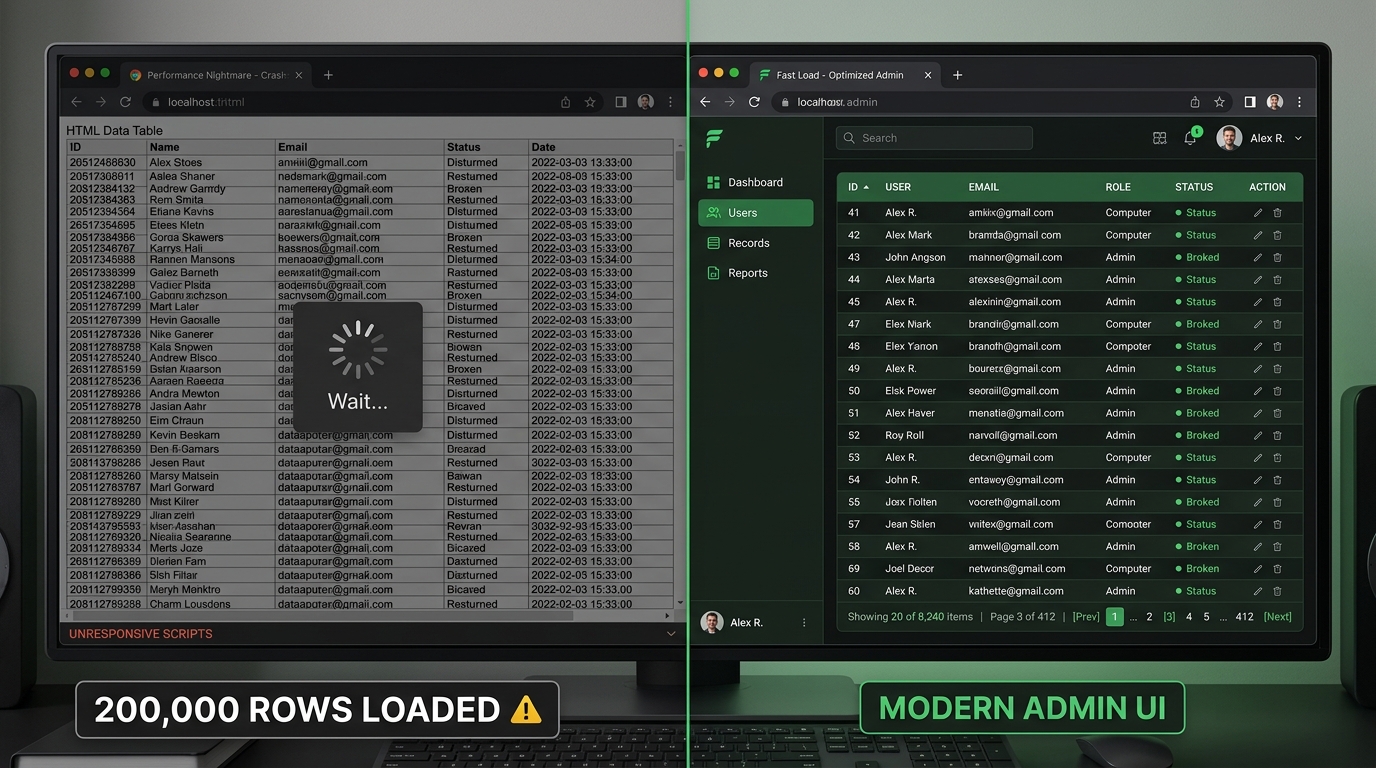
If your internal dashboard is fetching every row upfront and letting Retool paginate the table client-side, you have a performance problem waiting to embarrass you in a demo. A 10k-row table feels fine in staging. At 200k rows it stalls, burns memory, and makes your ops team hate the tool they asked you to build.
Server-side pagination fixes this by only pulling the rows the user is actually looking at. This post walks through exactly how to wire it up in Retool with a Supabase backend — covering query structure, offset vs cursor-based approaches, table configuration, and the edge cases that trip people up in production.
Client-side pagination means your query returns every row, and Retool slices it into pages in the browser. It works until it doesn't — and when it breaks, it breaks badly.
The failure mode is predictable: query time grows linearly with row count, the browser has to hold the full dataset in memory, and any filter or sort operation re-processes the entire result set. At 10k rows you'll notice a lag. At 100k rows the tab freezes. At 500k rows your query times out before the data even arrives.
There's also a secondary problem that doesn't show up in testing: your ops users don't need all 200k rows. They need the 25 they're looking at right now. Fetching the rest is pure waste — wasted bandwidth, wasted compute, wasted time.
The fix isn't to optimize the query. The fix is to stop asking the database for data you're not going to show.
Server-side pagination shifts the slicing logic from the browser to the database. Instead of fetching everything and paginating locally, your query accepts a page number (or cursor) and a page size, and returns only that slice of data.
In Retool, this means your query becomes dynamic — it reruns every time the user changes pages, passing updated offset or cursor values as parameters. The table component has built-in support for this pattern via its Server-side pagination toggle, which disables local pagination and instead exposes events you can hook into.
The core pieces you need to wire up
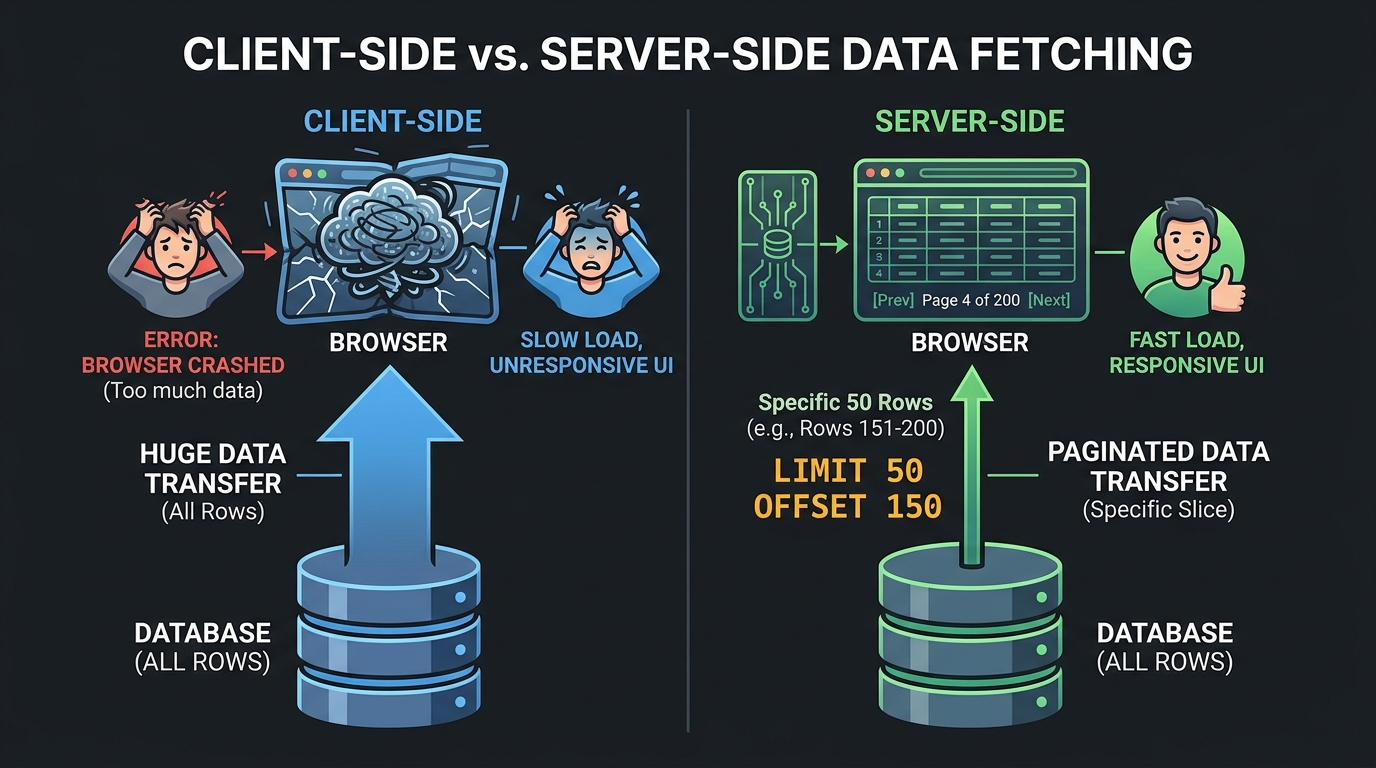
It's more wiring than client-side, but it's not complicated. Each piece has a clear job.
Supabase's JavaScript client makes offset pagination straightforward with the .range() method. Here's the base pattern:
supabase.from('orders').select('*').range(offset, offset + pageSize - 1).order('created_at', { ascending: false })
In Retool, you'd wire this as a Resource Query against your Supabase connection. Set offset to something like {{ currentPage.value * pageSize }} and pageSize to whatever your table shows — typically 25 or 50.
You also need a count query. Supabase supports this cleanly:
supabase.from('orders').select('*', { count: 'exact', head: true })
The head: true flag skips returning rows entirely — you just get the count. Run this once on page load (or when filters change) and store the result. Don't rerun it on every page change unless your data is volatile enough to warrant it.
If you're filtering — and you almost certainly are — make sure both queries apply the same filters. A mismatch between your count query and your data query produces wrong page counts and confuses users.
With your queries in place, open the table component's settings and enable Server-side pagination. This disables Retool's local pagination and activates the server-side controls.
You'll need to set:
.jpg)
Then hook up the table's pagination events. The table fires an event when the user clicks next or previous. In that event handler, update your offset state variable — increment or decrement by page size — then trigger your data query to rerun.
A clean pattern is using a single currentPage number variable. Increment it on next-page events, decrement on previous, reset to 0 when filters change. Your data query computes offset as currentPage * pageSize inline. Keeps the logic in one place and avoids drift between components.
One thing that trips people up: make sure your data query is set to run manually (not on page load or on a timer), so it only fires when you explicitly trigger it. Otherwise you'll get race conditions when page state and query execution get out of sync.
Offset pagination is easy to implement and good enough for most internal tools. But it has a known flaw: as the offset grows, the database still has to scan and skip all the preceding rows to find your starting point. At very high offsets on large tables, this gets slow.
Cursor-based pagination solves this by using a stable, indexed value — usually a timestamp or UUID — as the starting point for each query instead of a numeric offset. Your query looks like "give me 25 rows where created_at is less than this cursor value" rather than "skip the first N rows."
The tradeoff: cursor pagination doesn't support jumping to an arbitrary page. Users can only move forward and backward sequentially. For most ops workflows — where users are scanning recent activity or processing a queue — that's fine. For use cases where jumping to page 47 matters, stick with offset.
Switch to cursor-based pagination when:
In Supabase, implement it with a .lt() or .gt() filter on your sort column, passing the last (or first) value from the previous page as the cursor. Store it in a Retool state variable the same way you'd store an offset.
Server-side pagination isn't a premature optimization — it's the correct default for any internal tool operating on real production data. The client-side approach is fine for prototypes. It's a liability for anything your team actually depends on.
The implementation in Retool is concrete and repeatable: a paginated Supabase query, a count query, a state variable for current page, and the table's server-side pagination events wired together. Once you've done it once, you'll do it the same way every time.
Start with offset pagination. Monitor your query times as data grows. Switch to cursor-based if you start seeing latency at high offsets or consistency issues with live data. Either way, you're only fetching what the user is actually looking at — which is exactly what your database and your users are asking for.
Looking to supercharge your operations? We’re masters in Retool and experts at building internal tools, dashboards, admin panels, and portals that scale with your business. Let’s turn your ideas into powerful tools that drive real impact.
Curious how we’ve done it for others? Explore our Use Cases to see real-world examples, or check out Our Work to discover how we’ve helped teams like yours streamline operations and unlock growth.
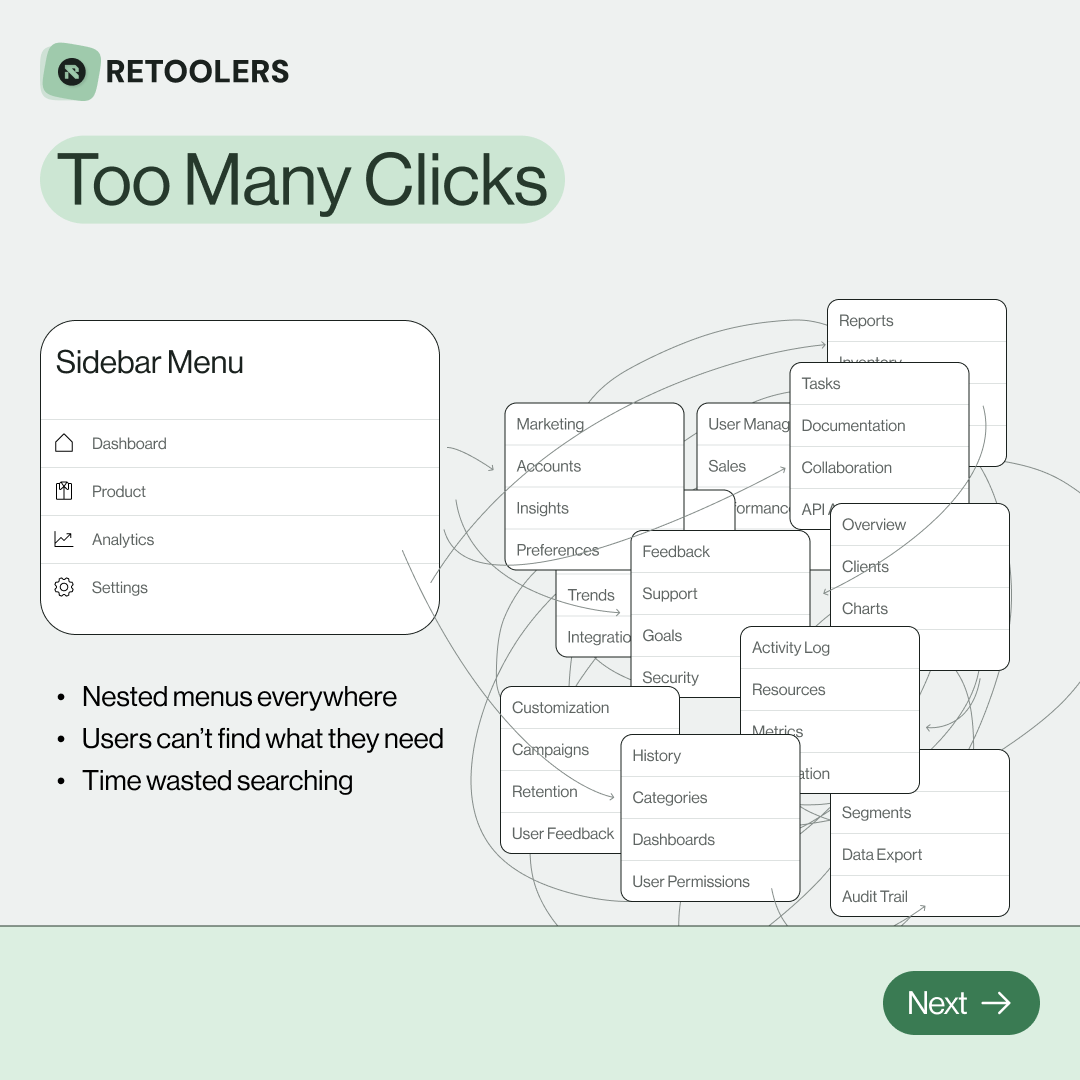
🔎 Internal tools often fail because of one simple thing: Navigation.
Too many clicks, buried menus, lost users.
We broke it down in this 4-slide carousel:
1️⃣ The problem (too many clicks)
2️⃣ The fix (clear navigation structure)
3️⃣ The Retool advantage (drag-and-drop layouts)
4️⃣ The impact (happier teams)
💡 With Retool, you can design internal tools that are easy to use, fast to build, and simple to maintain.
👉 Swipe through the carousel and see how better UX = better productivity.
📞 Ready to streamline your tools? Book a call with us at Retoolers.

🚀From idea → app in minutesBuilding internal tools used to take weeks.
Now, with AI App Generation in Retool, you can describe what you want in plain English and let AI do the heavy lifting.
At Retoolers, we help teams move faster by combining AI + Retool to create tools that actually fit their workflows.
👉 Check out our blog for the full breakdown: https://lnkd.in/gMAiqy9F
Before we quote, we help you clarify the workflow. Share your idea, process, or existing tools, and we’ll map the key requirements, suggest the right system, and create a free wireframe so you can see the solution before development starts.