Duy Vu
February 9, 2026
•
20 mins read
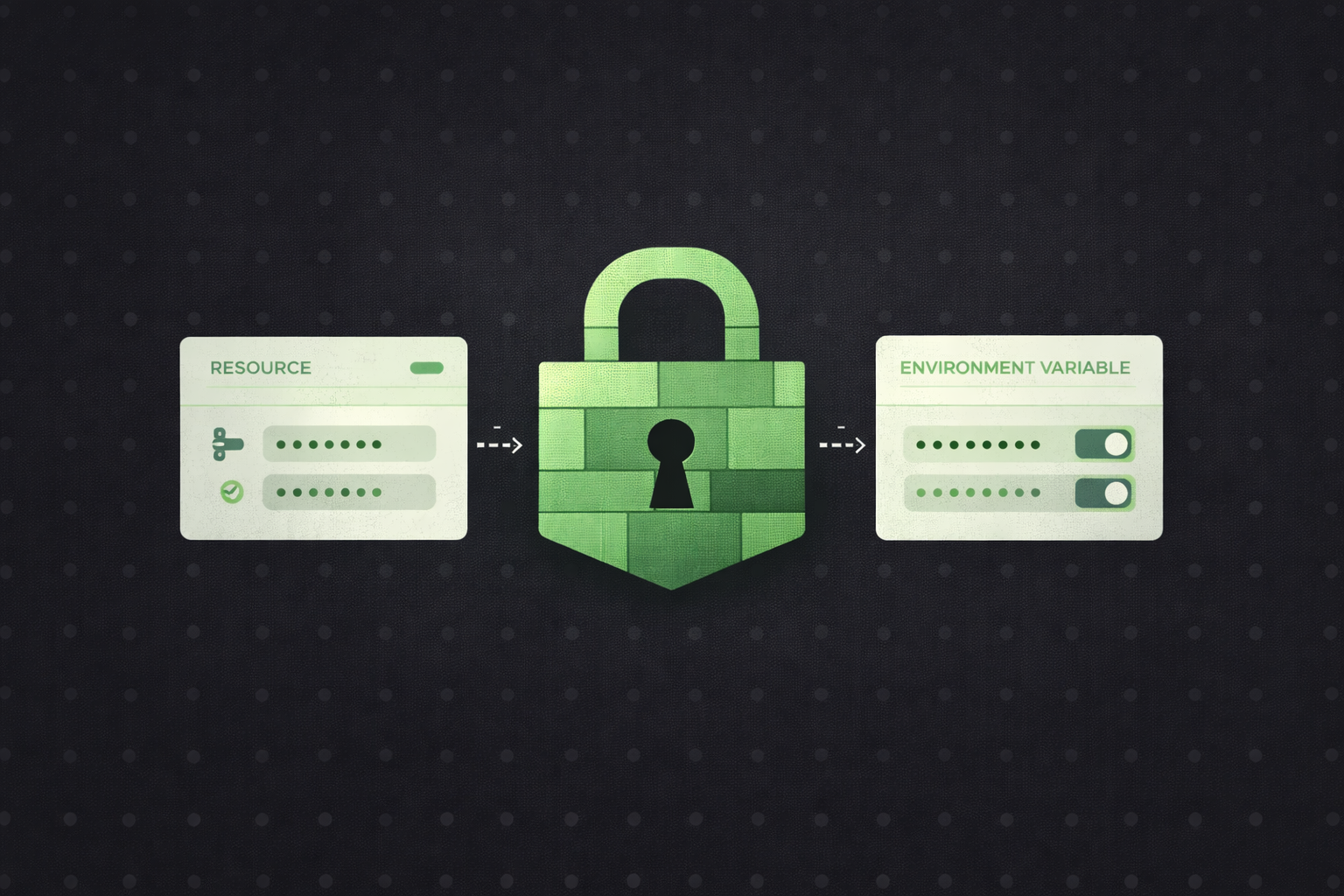
This is usually one of the very first questions that comes up when Retool is introduced inside an organization. Not from designers. Not from operators. But from security, platform, and engineering teams. And that is exactly how it should be. Internal tools are rarely isolated toys. They sit right in the middle of critical systems like production databases, payment providers, analytics platforms, CRMs, and internal APIs. One exposed token can mean leaked data, broken workflows, or serious compliance issues.
So the concern is valid. If credentials are handled poorly, nothing else matters.
The good news is that Retool is built with this concern front and center. Credential handling is not an afterthought. It is a core part of the platform design. Retool intentionally separates secrets from app logic, locks them behind multiple layers of control, and gives teams flexible ways to manage access without slowing down development.
In this guide, we will break down exactly where tokens and credentials live in Retool, how they are protected, and how teams should structure things to stay secure at scale.
One of the most important things to understand about Retool is what it does not allow you to do. Retool does not expect, encourage, or require developers to paste secrets directly into UI components, queries, or JavaScript logic. This is a deliberate design choice. Hardcoded secrets are fragile. They are easy to leak, hard to rotate, and almost impossible to manage safely as teams grow.
Instead, Retool stores credentials outside of the app UI entirely. Your dashboards reference secure connections, not raw secrets. This separation is what makes Retool viable for production use.
At a high level, there are two primary places where credentials live in Retool. The first is Resources, which handle most database and API connections. The second is Environment variables, which provide an additional layer of flexibility for advanced setups and enterprise environments. Together, these two systems cover nearly every secure credential use case.
Resources are the backbone of Retool’s security model. Any time you connect Retool to an external system, whether that is a database, a REST API, a GraphQL endpoint, or a third party SaaS tool, you do so through a Resource. This Resource contains all connection details, including host information, authentication methods, and tokens or credentials.
The key point is this: credentials live inside the Resource, not inside the app.
When a query runs inside an app, it does not carry a token with it. It simply references the Resource by name. Retool handles the secure connection behind the scenes. This means credentials are encrypted at rest and never rendered inside the UI, query editor, or component state.
This design creates several important benefits. First, you can reuse a single secure connection across multiple apps without duplicating credentials. Second, rotating a token or password only requires updating the Resource once, not hunting through dozens of queries. Third, developers and builders never need to copy sensitive values into logic where mistakes are more likely.
From a security perspective, this also dramatically reduces the attack surface. Even if someone gains access to an app builder role, they still cannot see credentials unless they are explicitly allowed to view or edit the Resource configuration itself.
The separation between apps and credentials is not just a convenience feature. It is a security principle. Internal tools tend to evolve quickly. Apps get duplicated, forked, refactored, and handed between teams. If secrets were embedded directly in app logic, each copy would multiply risk.

By centralizing credentials in Resources, Retool ensures that apps remain lightweight and disposable while secrets remain controlled and stable. This also makes audits easier. Security teams can review a small number of Resources instead of scanning hundreds of apps for hardcoded tokens.
Another overlooked benefit is safer collaboration. Designers, analysts, and operations users can work on UI and workflows without ever touching secrets. This keeps velocity high without compromising access control.
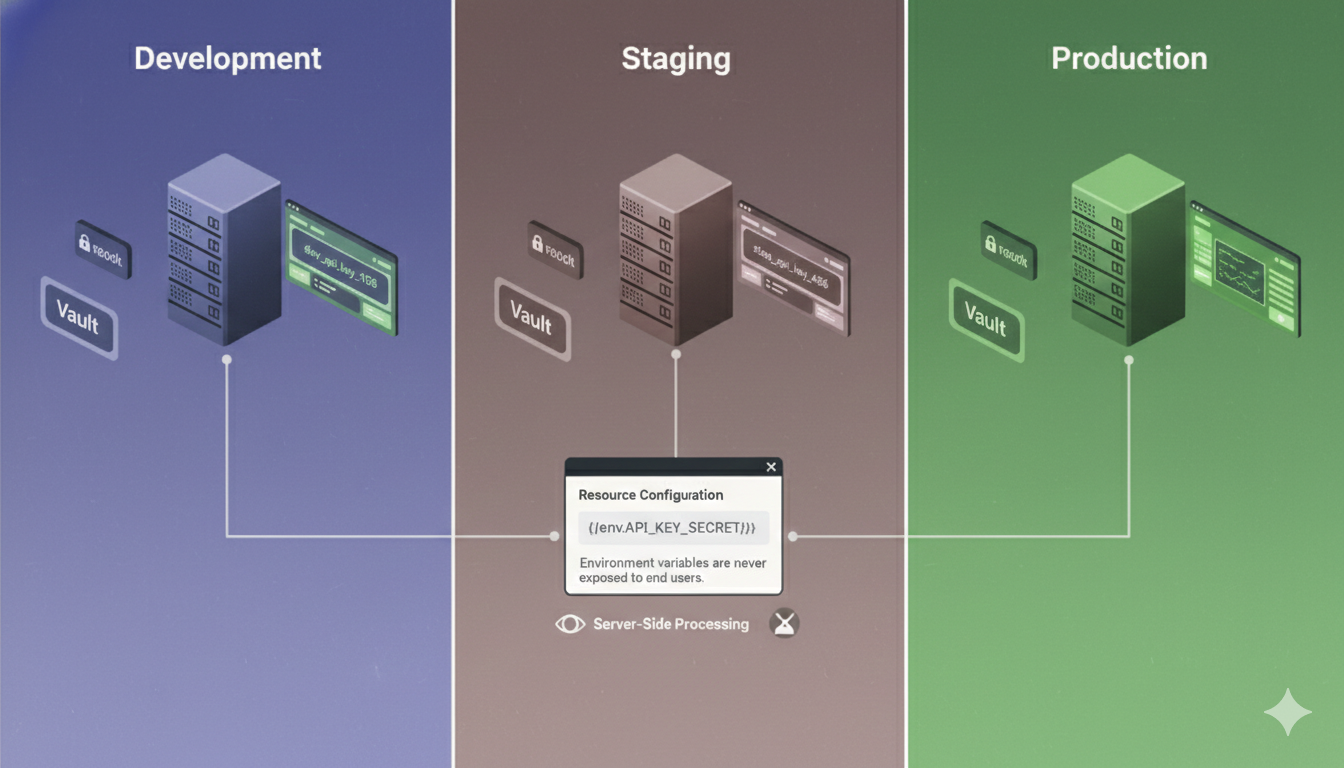
While Resources cover most use cases, Retool also supports environment variables for teams that need additional flexibility. Environment variables are especially useful when you operate multiple environments, such as development, staging, and production, or when secrets are managed by external systems like vaults or deployment pipelines.
Environment variables allow you to inject sensitive values into Retool at runtime without storing them directly in the app or even in the Resource configuration UI. This is particularly common in self hosted Retool setups, where environment variables can be defined at the infrastructure level.
For example, instead of storing an API key directly in a Resource, you can reference an environment variable. That variable can then have different values in staging and production without changing the app at all. This reduces the risk of accidentally pointing a staging app at production data or leaking production credentials in a test environment.
Just as important, environment variables are never exposed to end users. They are resolved server side and remain invisible to the frontend. This makes them suitable for highly sensitive secrets that require strict handling.
When to use resources vs environment variables
A common question teams ask is when to use Resources and when to use environment variables. In practice, the answer is simple. Resources are the default and should be used for most connections. They are easy to manage, visible to admins, and tightly integrated with Retool’s permission system.
Environment variables are best used when secrets must be controlled outside of Retool itself or when values change frequently across environments. Many teams combine both approaches, using Resources for connection structure and environment variables for sensitive fields within those Resources.
The important thing is consistency. Mixing patterns without a clear strategy leads to confusion. A clear convention makes onboarding easier and audits simpler.
Storing credentials securely is only part of the story. Controlling who can see and change them is just as important. Retool addresses this with a robust permission system layered on top of Resources and environment variables.
By default, only users with explicit permissions can view or edit Resource configurations. This means most app builders and nearly all end users never even see the credentials layer. They interact with apps, not infrastructure. This follows the principle of least access, which is critical in larger organizations.
Permissions can be scoped carefully. Some users may be allowed to use a Resource without being able to view its credentials. Others may be allowed to manage Resources but not deploy apps. This separation of concerns helps prevent accidental leaks and limits damage if an account is compromised.
In enterprise environments, this access control becomes even more important. Security teams often require that only a small group of trusted admins can manage secrets. Retool’s permission model supports this without blocking development workflows.
Beyond storage and access control, Retool also protects credentials during execution. When a query runs, credentials are never sent to the browser. All sensitive operations happen server side. The frontend only receives the results it is allowed to see.
This is a critical distinction. Even if someone inspects network traffic or browser state, they will not find tokens or passwords. The client never holds them. This architecture significantly reduces the risk of exposure through browser based attacks.
In addition, Retool logs and debugging tools are designed to avoid exposing secrets. Errors may show that a request failed, but they do not print raw credentials. This makes troubleshooting safer without compromising security.
Technology alone does not guarantee security. Process matters. When we build Retool apps for clients, we follow strict conventions to ensure credentials remain protected as apps evolve.
We always store secrets in Resources or environment variables and never hardcode them inside queries, components, or JavaScript logic. We clearly separate staging and production environments so testing never touches live data unintentionally. We restrict access to Resource configurations to a minimal set of trusted users. And we design apps so that migration, rotation, and scaling do not require touching sensitive values.
These practices are not optional extras. They are the baseline for any production Retool deployment. Following them keeps apps secure not just today, but as teams grow, roles change, and systems become more complex.
Despite Retool’s strong foundation, teams can still introduce risk if they misuse it. The most common mistake is convenience driven shortcuts, such as embedding tokens directly in JavaScript or query parameters during early development and forgetting to clean them up later.
Another frequent issue is poor environment separation. Using the same credentials across development and production increases the blast radius of mistakes. Similarly, giving too many users access to Resource configurations creates unnecessary risk.
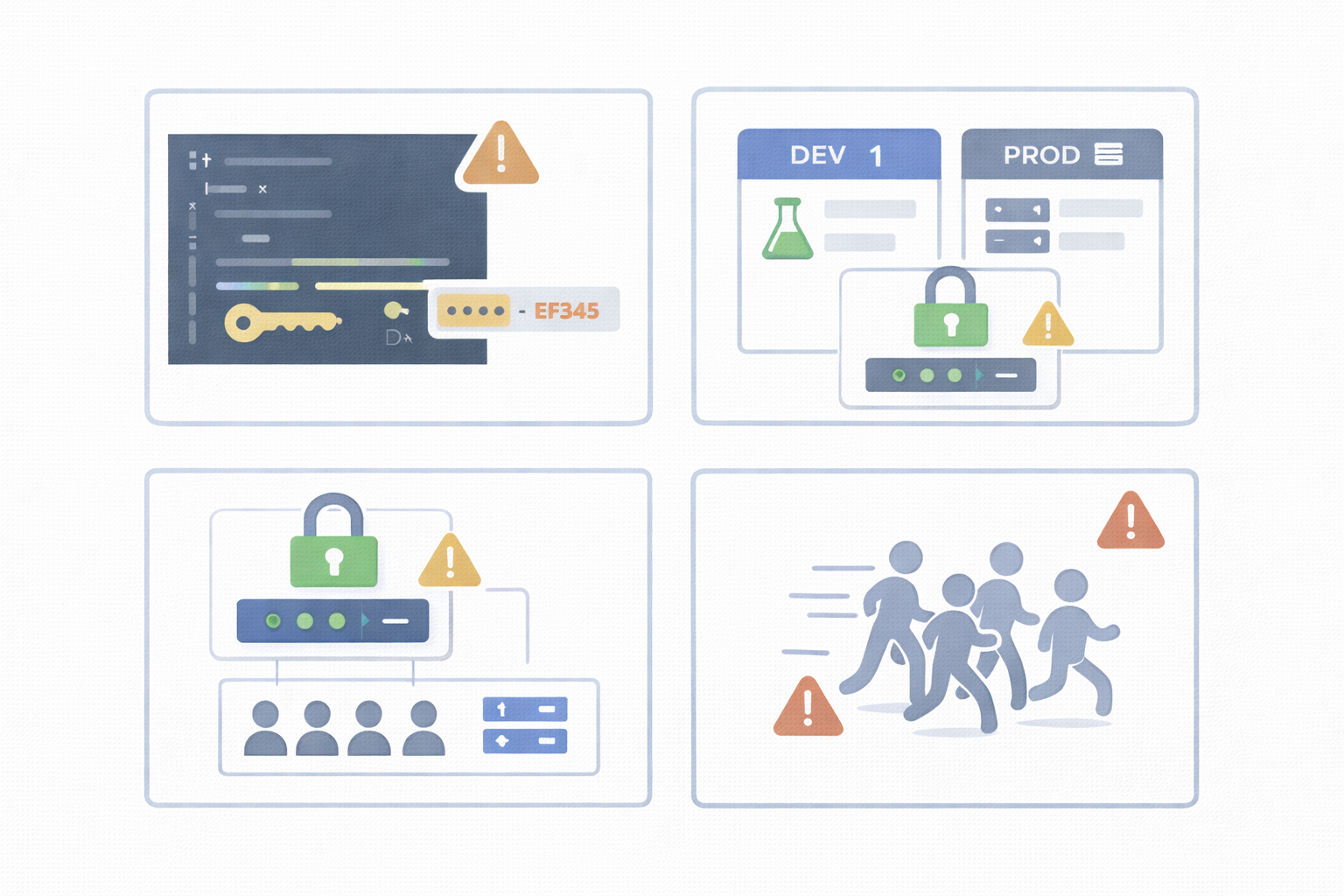
These mistakes are rarely intentional. They usually come from moving fast without a clear security model. The good news is that they are easy to avoid with the right setup from day one.
Tokens and credentials in Retool are not buried inside apps or hidden in fragile UI logic. They live in secure, encrypted layers designed specifically for production use. Resources and environment variables work together to keep secrets protected, reusable, and manageable. Permissions ensure that only the right people ever see or touch sensitive data.
If security is a concern, Retool already provides the right foundation. The key is using it correctly and consistently.
If you want help setting this up properly or reviewing your current Retool security approach, Get a Quote and we will make sure your Retool apps are secure from day one.
Looking to supercharge your operations? We’re masters in Retool and experts at building internal tools, dashboards, admin panels, and portals that scale with your business. Let’s turn your ideas into powerful tools that drive real impact.
Curious how we’ve done it for others? Explore our Use Cases to see real-world examples, or check out Our Work to discover how we’ve helped teams like yours streamline operations and unlock growth.
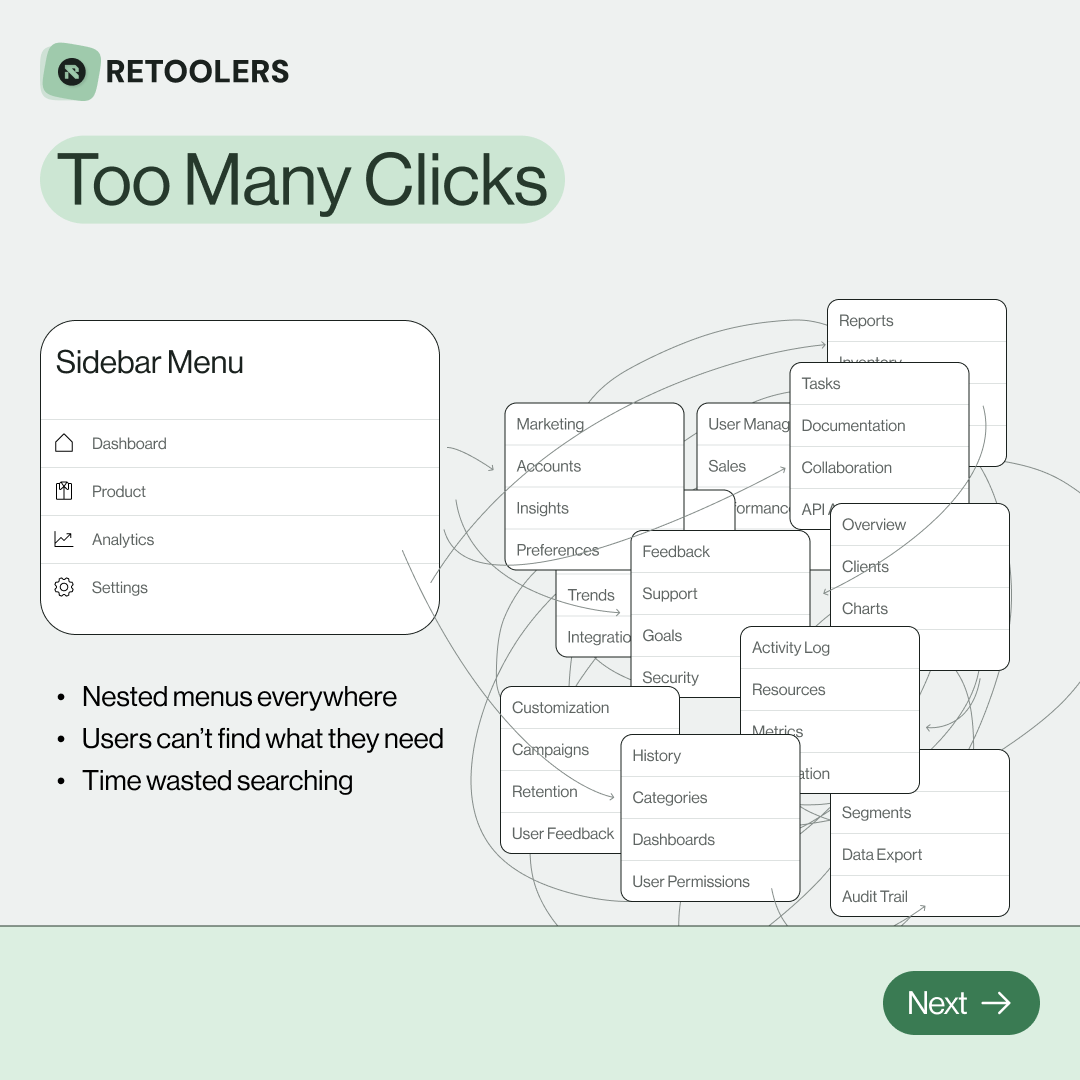
🔎 Internal tools often fail because of one simple thing: Navigation.
Too many clicks, buried menus, lost users.
We broke it down in this 4-slide carousel:
1️⃣ The problem (too many clicks)
2️⃣ The fix (clear navigation structure)
3️⃣ The Retool advantage (drag-and-drop layouts)
4️⃣ The impact (happier teams)
💡 With Retool, you can design internal tools that are easy to use, fast to build, and simple to maintain.
👉 Swipe through the carousel and see how better UX = better productivity.
📞 Ready to streamline your tools? Book a call with us at Retoolers.

🚀From idea → app in minutesBuilding internal tools used to take weeks.
Now, with AI App Generation in Retool, you can describe what you want in plain English and let AI do the heavy lifting.
At Retoolers, we help teams move faster by combining AI + Retool to create tools that actually fit their workflows.
👉 Check out our blog for the full breakdown: https://lnkd.in/gMAiqy9F
Before we quote, we help you clarify the workflow. Share your idea, process, or existing tools, and we’ll map the key requirements, suggest the right system, and create a free wireframe so you can see the solution before development starts.